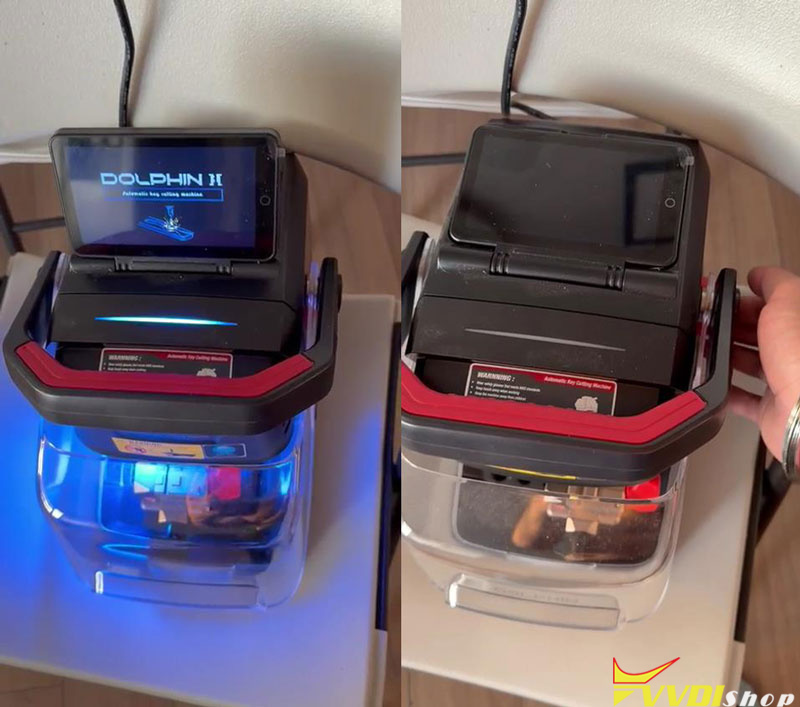
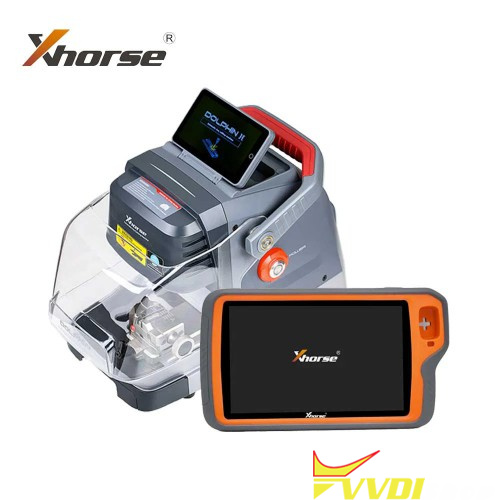
This professional guide provides quick solutions for common technical issues involving the Xhorse Dolphin XP-005L and Condor XC-Mini Plus II. Learn how to resolve battery failures, motor issues, and account binding to optimize your key cutting performance.
Q: What are the power requirements for the Condor XC-Mini Plus II?
A: The device operates on an input voltage of 90–264V AC or 24V DC. It has a rated power of 200W, so ensure your power source provides sufficient wattage for stable operation.
Q: Does the XC-Mini Plus II include a built-in battery?
A: No, the XC-Mini Plus II does not have an internal battery and requires a continuous external power supply.
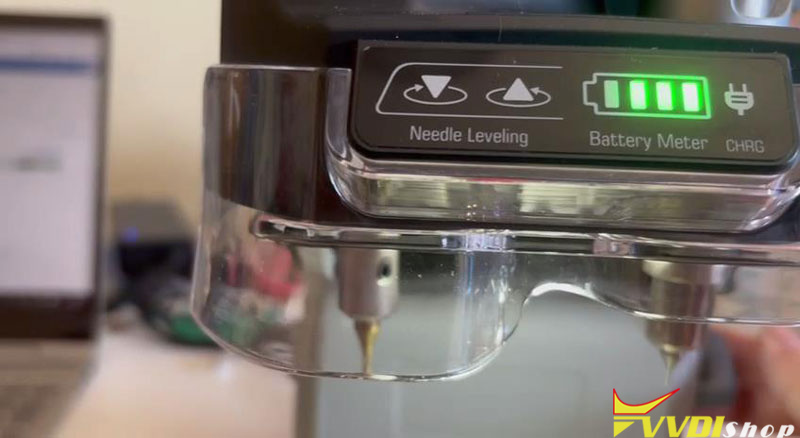
Q: My Dolphin XP-005L shuts down immediately when the adapter is unplugged. How do I fix it? A: This typically indicates a battery or protection board failure. Use a multimeter to check the battery voltage—referring to the “Measurement Method Of Dolphin Battery” guide—and provide your serial numberto technical support for a replacement.

- Mechanical & Motor Maintenance
Q: What should I do if the Dolphin XP007 cutter or motor is not rotating?
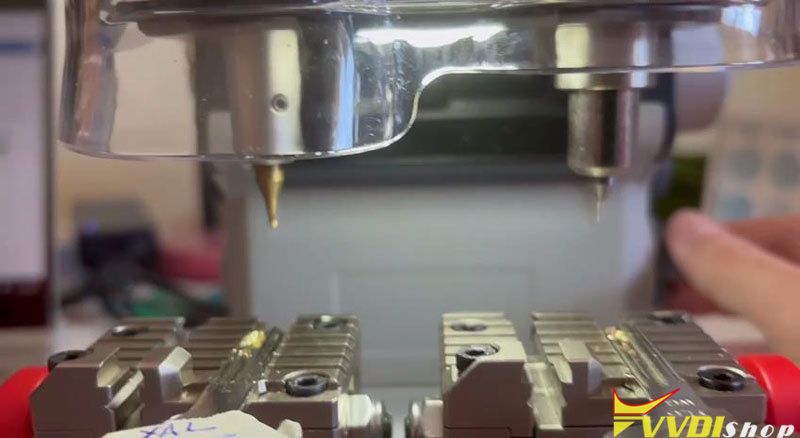
A: Open the device cover to inspect the drive belt. Check for breakage or misalignment and adjust as necessary. If the belt is intact but the motor remains unresponsive, record a diagnostic video for technical support to identify potential circuit board issues.


Software & Account Features
Q: How do I activate free tokens for my Dolphin device?
A: You must bind your Xhorse Key Cutting Machine and Key Tool Plus to the same Xhorse account. After binding, contact your sales representative to activate the service and begin receiving free tokens.

Q: Where can I find operational instructions for Dolphin machines?
A: The Xhorse App software provides integrated wiring diagrams and step-by-step prompts. Follow the in-app guidance for specific key cutting procedures.
Quick Maintenance Checklist
- Replacement Parts: Always have your device Serial Number and shipping address ready for battery or belt claims.
- Voltage Testing: Use a multimeter for accurate battery diagnostics before requesting parts.
- Power Stability: Ensure the XC-Mini Plus II is connected to a source meeting the 200W requirement to avoid mid-operation failure.