5/08/2017

Free Download Condor XC-Mini KM02 KM03 Online Update Tool

Free download Condor XC-Mini key cutting machine online update tool for serial number starts with KM02 and KM03.


How to Update Condor XC-Mini Key Cutting Machine?
NOTE: DO NOT turn off PC or unplug USB cable during updating.
1. Connect Condor key cutting machine to PC with a USB cable.
2. Turn on the key machine.
3. Click “Update Online” button to start update.
4. The screen will appear “Updating” prompt.
5. Wait patiently for update completed.
condor-xc-mini-update

http://blog.vvdishop.com/condor-xc-mini-km02-km03-update-tool-download/

5/04/2017

Condor XC-Mini Borken Screen How to solve

Q: I bought a Condor XC-mini key cutting machine a year ago. But unfortunately i broken the screen by mistake. How to can fix the screen, do you sell it alone?

condor-xc-mini-broken-screen
condor-mini-screen-connector

A: Yes. Brand-new sceen for Condor Mini is avaliable. If you want to change a new screen
please provide your key cutting machine series number


Otherwise the connector will not match your machine and failed to install a new screen. Becasue the some screen connectors are silitly different from others.

5/02/2017

Condor XC-Mini Update Communication Error 5 Solution

Q: I was succeed update Condor XC-mini key cutting machine to 3.0.1. But when i tred to update Condor mini to v4.0.1, it failed me, Mini condor says “Error while communicating with server(5)“.

condor-xc-mini-update-error-5
A:
Condor Mini v4.0.1 software is not not yet available. Xhorse engineer now is working on the new versions. DO not update condor to this version.

2/26/2017

Xhorse Condor XC-Mini Update Tool V1.0.9 Download

Xhorse Condor XC-Mini key cutting machine Update Tool V1.0.9 free on mega.

How to update Condor XC-Mini key cutting machine?
1. Connect iKeycutter CONDOR XC-MINI Master to the PC with a USB cable.
2. Turn on the CONDOR MINI.
3. Click “Update online” button to start update.
4. The screen will appear “Updating” prompt.
5. Wait for the update completed.
condor-xc-mini-update

Notes: 
A: Do NOT turn off PC or unplug USB cable duing updating.
B: Data downloading and firmware upgrading may take a while, please be patient.
C: If the update fails, turn off anti-virus software and then try again.

11/04/2016

Xhorse Condor XC-002 Mechanical Key Cutting Machine $819

New Xhorse iKeycutter Condor XC-002 mechanical/manual key cutting machine is available in obd365.com.

Condor XC 002 Key Cutting Machine Feature:
1.Aluminum Die-casting chassis,Precision Machining
2.Renishaw line detection system,Column Cross guide rail
3.Three year warranty. Lifelong technical support.

Condor XC 002 Manual Key Cutter Specification:

Input voltage: 220VAC
Input frequency: 50Hz
Consume: 200W
Package Dimensions: L595xW550xH375mm
Machine Dimensions: L298xW445xH525mm
Spindle Speeds: 8000-10000rpm
Noise Decibel:77dB
Working Temperature: 0-50℃
Humidity: 10-90%
Net Weight: 23Kg
Gross Weight: 28Kg
Condor-XC-002-Package
Condor-XC-002

Condor-xc-002-key-cutting-machine-1
Condor-xc-002-key-cutting-machine-3
Condor-xc-002-key-cutting-machine-4
Condor-xc-002-key-cutting-machine-5
Condor-xc-002-key-cutting-machine-6
Condor-xc-002-key-cutting-machine-7
Condor-xc-002-key-cutting-machine-8
Condor-xc-002-key-cutting-machine-9
Condor-xc-002-key-cutting-machine-10


6/30/2016

Xhorse Condor XC-MINI adds Multi-language

Good news to all Condor XC-Mini key cutting machine owners. Condor Mini has released/updated with multi-language:
Portuguese/Spanish/French/Germany/Russian/Czech/Arabic/Turkish/Dutch/Polish/Bulgarian/Norway/Slovakia/Italian/English/Chinese


Some of the locksmith complaint that the downside of iKeycutter CONDOR XC-MINI Master Series Automatic Key Cutting Machine is that it comes with English only.


From now on, you can change language you want into Condor mini key machine.


How to change Condor XC Mini language?

Provide the SN (Serial Number)to obdii365.com customer service, our technician will add/activate the language for your device.

5/12/2016

How to make a Ford spare key with Condor XC-Mini

Xhorse iKeycutter Condor XC-MINI Master Series Automatic Key Cutting Machine cut Ford spare key procedure is provided below.

Steps on Ford key cutting with Condor Mini 
1.Start your condor xc-mini key cutting machine,Power-On Password: 123456
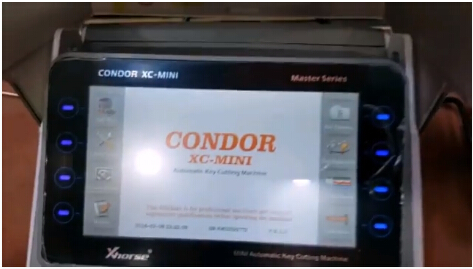
Condor-xc-mini-cut-ford-key-1
2.Find the proper key blade.
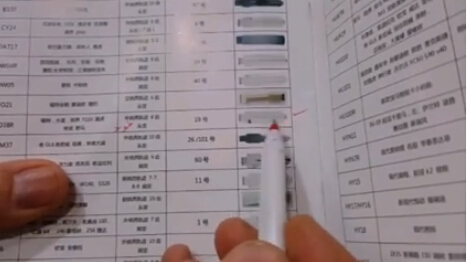
Condor-xc-mini-cut-ford-key-2
3.Insert the blank key.
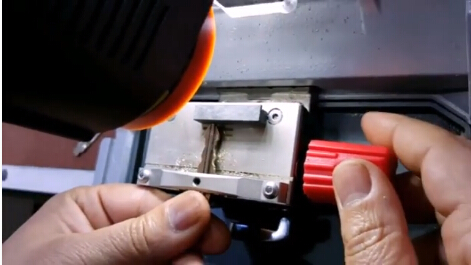
Condor-xc-mini-cut-ford-key-3
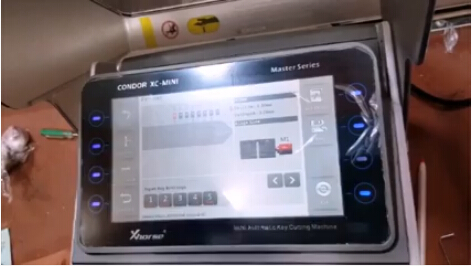
4.Check the menu and find the right car model.
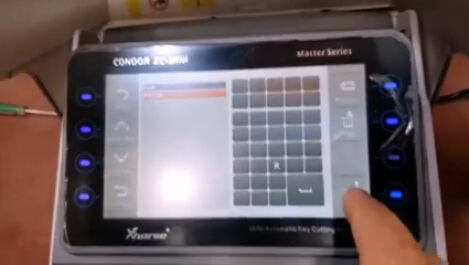
Condor-xc-mini-cut-ford-key-4
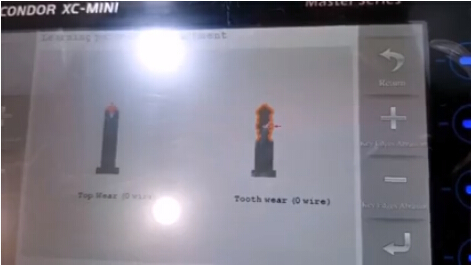
5.Then Condor will shows the detailed tooth wear.Next,click enter.
Condor-xc-mini-cut-ford-key-5
6.Key learning.
Condor-xc-mini-cut-ford-key-6
Condor-xc-mini-cut-ford-key-7
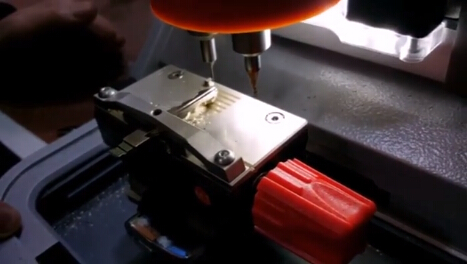
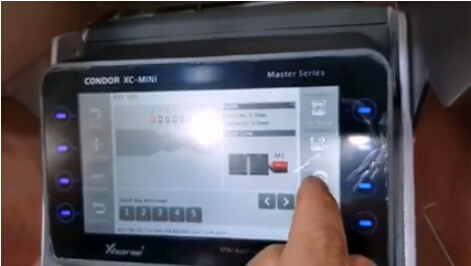
7.Insert new key blade,click the circle one to cut new blade.

Condor-xc-mini-cut-ford-key-8
Condor-xc-mini-cut-ford-key-9