
Today we will demonstrate how to decode and cut a Medeco M3 household key using Xhorse Condor XC-TWINS key cutting machine.


Each cut can have 3 different angle possibilities, and for the same angle, there is also a fore-and-aft position difference.
The lock cylinder has high precision and a complex structure.
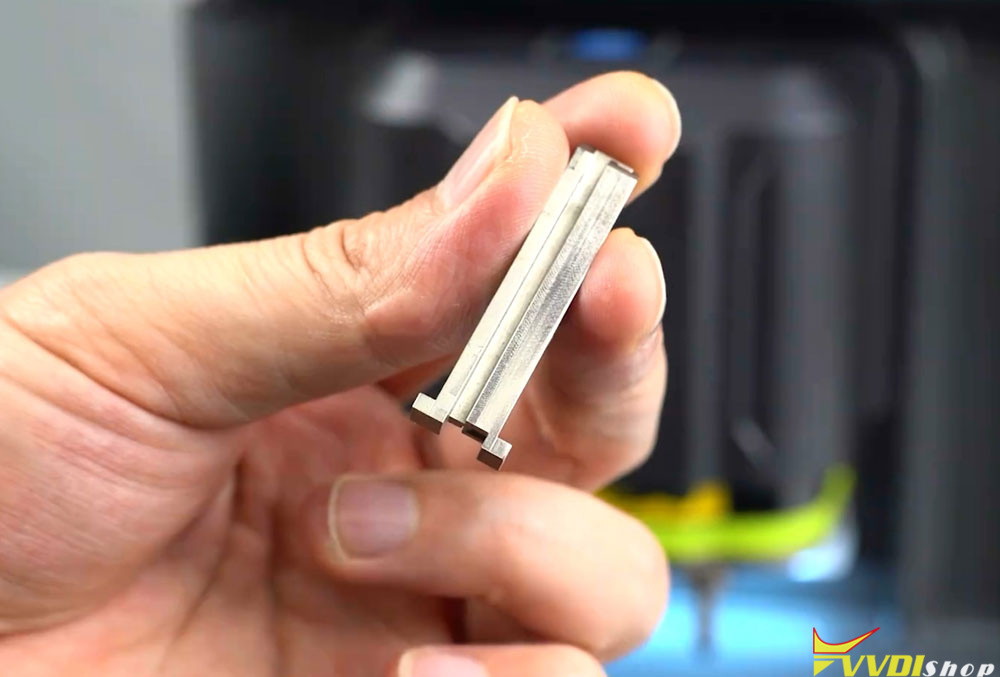
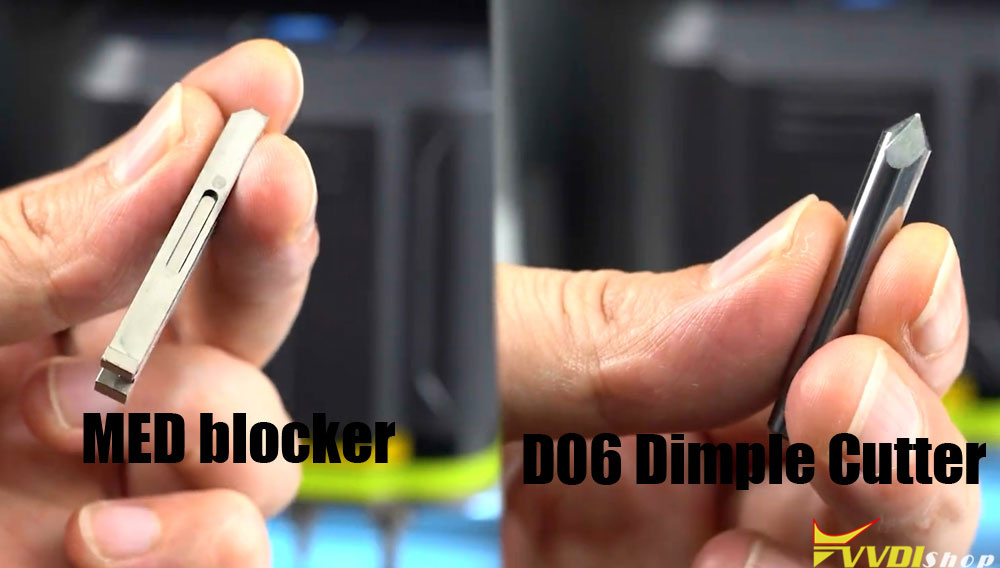
When decoding this key, you need a dedicated MED key spacer block and a D06 milling cutter.


Select Household key function → All region→ Medeco → M3 → 6-teeth.

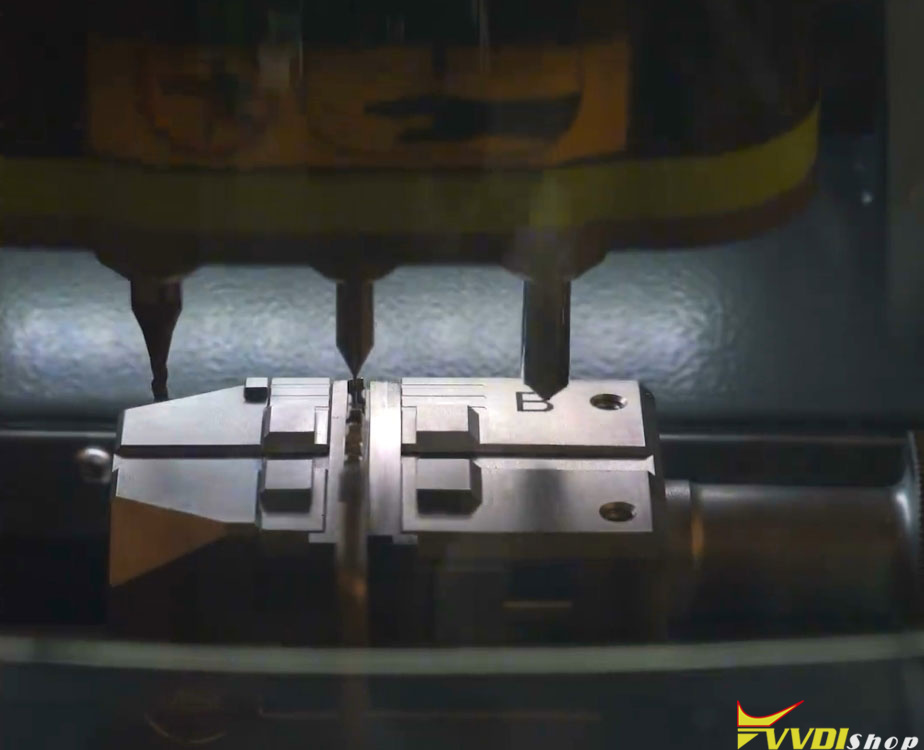
Take the MED spacer block and place it onto the M5L clamp. The shoulder of the spacer block must rest against the outer edge of theclamp.

Insert the original key into the MED spacer block.

The key shoulder must also rest against the outer edge of the spacer block for shoulder positioning.
Once the key is secured, click Decode Key.
The machine will automatically decode the key’s cut numbers and angles.
Key learning successful.

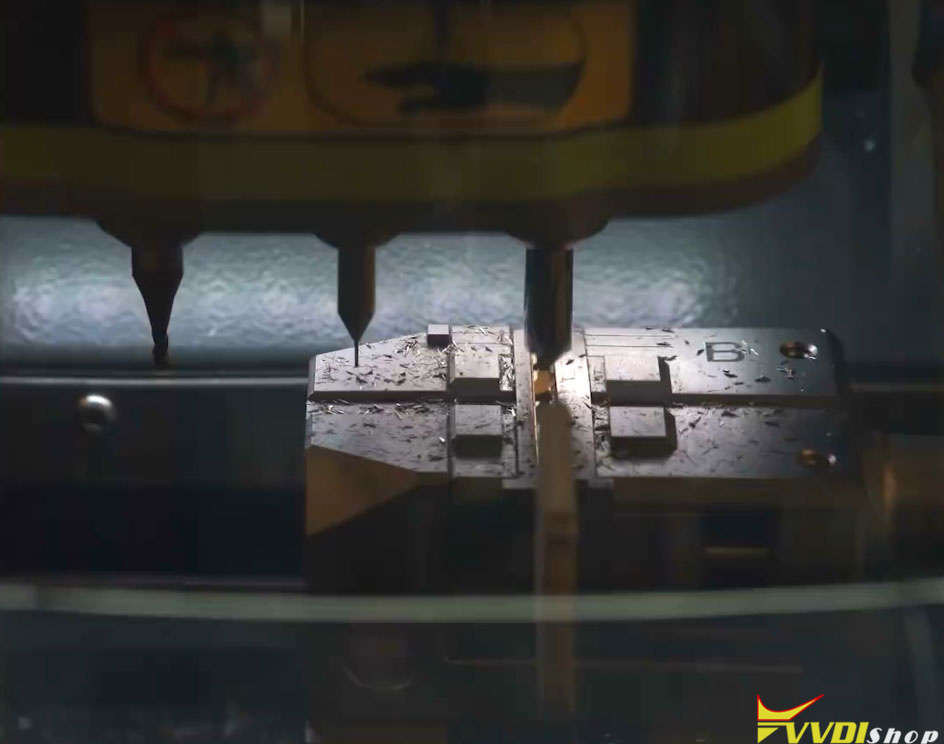
Insert a new key blank, again making sure the key shoulder rests against the outer edge of the spacer block for shoulder positioning.

Install the dedicated D06 milling cutter and set it up properly.
Key cutting is successful.


No comments:
Post a Comment
Note: Only a member of this blog may post a comment.